
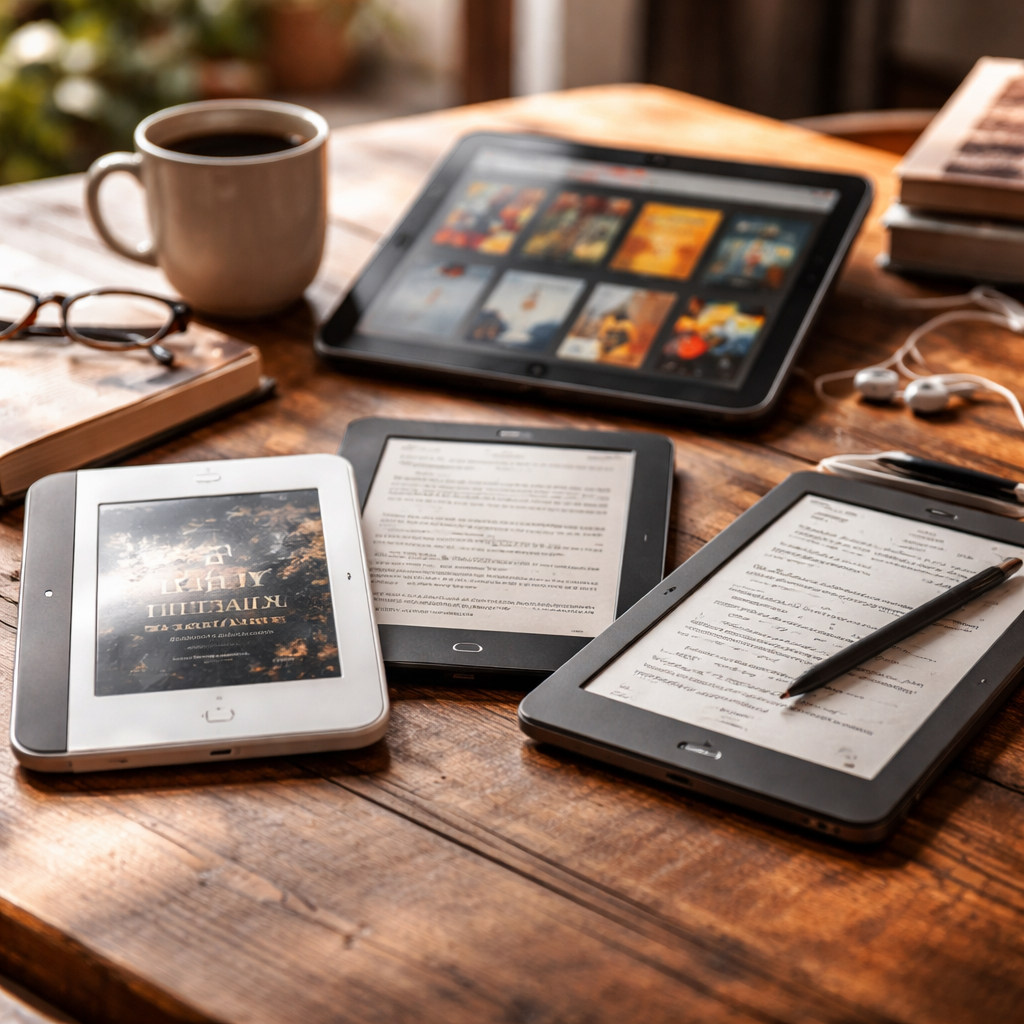
Not everyone who reads a lot is happy with Amazon’s ecosystem — and that’s completely fair. If you’re looking for a solid alternative to Kindle, the good news is that the market has matured significantly, and today’s options range from open e-readers with broad format support to tablets and apps that rival the Kindle experience in almost every way.
Why people look beyond Kindle in the first place
The Kindle is convenient if you buy all your books through Amazon. But once you step outside that garden — downloading EPUBs from libraries, buying directly from publishers, borrowing files from friends — the walls start to show. Kindle doesn’t natively support EPUB, requires file conversion, and locks your purchases to Amazon’s platform. For many readers, that’s reason enough to explore what else is out there.
There’s also the question of privacy, open-source values, and simply wanting a device that feels like yours rather than a rented piece of hardware tied to a corporate account.
Dedicated e-readers that stand on their own
If you love the idea of an e-ink screen — easy on the eyes, weeks of battery life, readable in sunlight — there are several dedicated e-readers worth considering seriously.
| Device | Screen | Format Support | Standout Feature |
|---|---|---|---|
| Kobo Libra Colour | 7″ color e-ink | EPUB, PDF, CBZ, and more | OverDrive/Libby library integration |
| Kobo Clara BW | 6″ e-ink | EPUB, PDF, MOBI, and others | Affordable, compact, great for beginners |
| PocketBook InkPad 4 | 7.8″ e-ink | 18+ formats natively | Exceptional format versatility |
| Onyx Boox Note Air | 10.3″ e-ink | Runs full Android | Handwriting, annotation, app support |
Kobo devices in particular have earned a loyal following among readers who want a Kindle-like experience without the Amazon dependency. They sync with Pocket for saving articles, connect natively to public library systems via Libby, and support EPUB out of the box — no conversion needed.
When a tablet makes more sense than an e-reader
Some readers don’t want a single-purpose device. If you already carry a tablet or plan to use one for other tasks, a good reading app can transform it into a perfectly capable digital reading environment.
- Apple Books — deeply integrated with iOS and macOS, clean interface, supports EPUB and PDF natively
- Google Play Books — available across Android, iOS, and web browsers; supports EPUB uploads
- Kobo App — mirrors the Kobo device experience on your phone or tablet
- Moon+ Reader (Android) — highly customizable, supports a wide range of formats including DJVU
- Readera — free, no ads, handles PDF, EPUB, MOBI, FB2, and more
The tradeoff is obvious: tablet screens use more battery and aren’t ideal for reading in bright sunlight. But for evening readers or people who spend most of their time indoors, this is rarely a dealbreaker.
The best reading device is the one you actually use consistently — not the one with the most impressive spec sheet.
Library apps and open ecosystems worth knowing
One of the biggest advantages of going beyond Kindle is gaining access to free, legal ebooks through public library systems. Apps like Libby (by OverDrive) and Borrowbox allow library cardholders to borrow ebooks and audiobooks directly to their device — no payment required.
Standard Ebooks is another resource that deserves more attention. It offers carefully formatted, public domain titles in high-quality EPUB files — far better typographically than most free ebook sources. Project Gutenberg covers a broader catalog if quantity matters more than formatting polish.
The open-source angle: Calibre and self-managed libraries
Calibre is free, open-source software that functions as a complete personal ebook library manager. It converts between formats, edits metadata, syncs with most e-readers, and even runs its own local content server. For readers who own a large collection of digital books in mixed formats, Calibre is essentially irreplaceable.
Pair Calibre with a PocketBook or Kobo device, and you have a reading setup that gives you full control over your library without depending on any corporate platform. Your books live on your device and your computer — not in someone else’s cloud that could change its terms at any time.
Choosing based on what actually matters to you
The right choice depends on a few honest questions. Do you borrow from libraries often? A Kobo with Libby access is probably your best starting point. Do you read PDFs and annotate heavily? An Onyx Boox device running Android gives you far more flexibility. Are you primarily a phone reader who wants better organization? Moon+ Reader or Readera on Android will likely satisfy you completely.
What’s worth resisting is the assumption that Kindle is the default and everything else is a compromise. In terms of format support, library integration, and user control, several of these alternatives genuinely outperform Amazon’s offering — depending on how and what you read.