
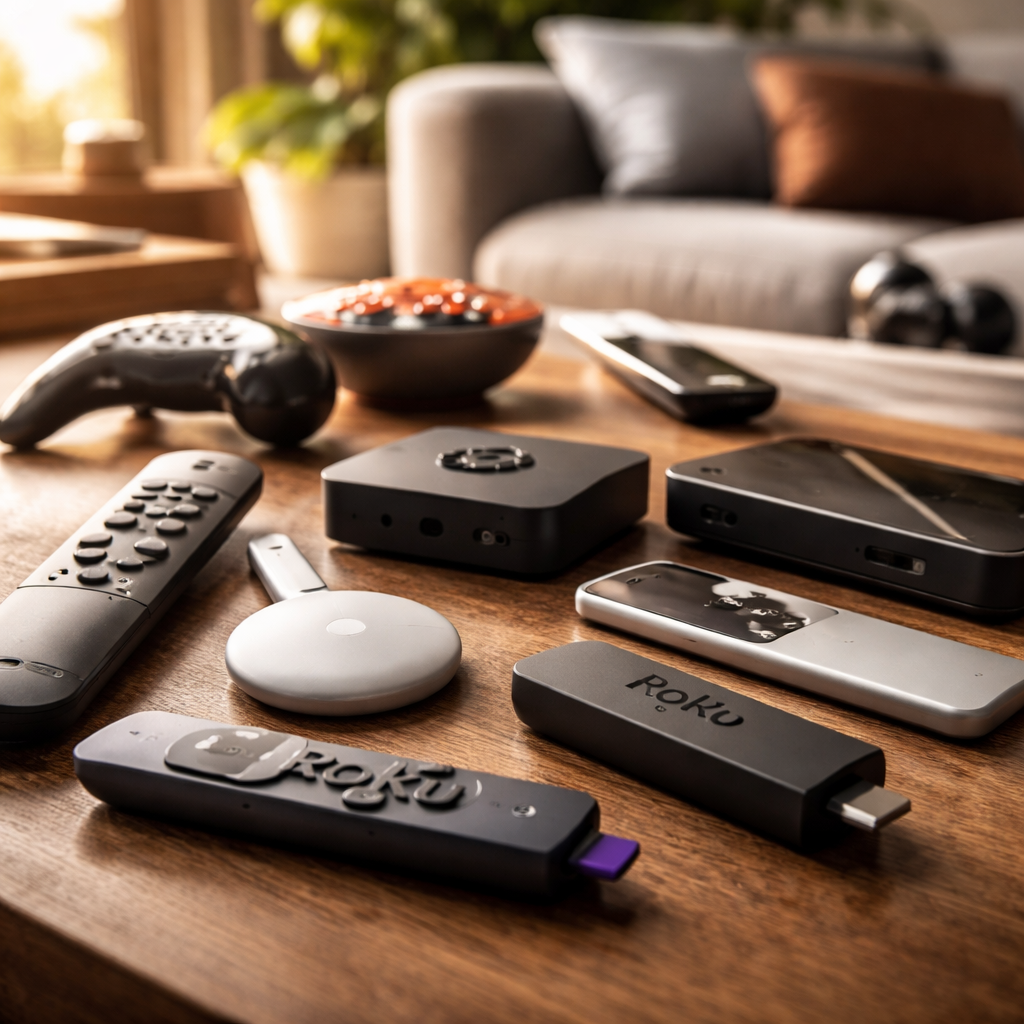
If you’ve been relying on Roku for years and suddenly find yourself wondering whether there’s a better fit for your setup, you’re not alone — the search for a solid alternative to Roku has grown significantly as streaming devices have become more competitive, more affordable, and frankly, more capable than ever before.
Why People Start Looking Beyond Roku
Roku has built a loyal user base with its simple interface and broad app support. But it’s not perfect for everyone. Some users run into limitations with smart home integration, others find the advertising-heavy interface intrusive, and a growing number of cord-cutters want tighter ecosystem control — whether that’s Google, Apple, or Amazon. The good news is that the streaming device market has matured enough that switching doesn’t mean compromising.
The Main Contenders Worth Your Attention
Each major streaming platform takes a different approach to the experience, and understanding those differences is what makes the decision actually useful. Here’s how the leading options stack up in practical terms:
| Device | Best For | Key Strength | Potential Drawback |
|---|---|---|---|
| Amazon Fire TV Stick | Prime Video users | Alexa integration, wide app support | Amazon-first interface |
| Apple TV 4K | iPhone/Mac ecosystem users | Premium build, AirPlay, HomeKit | Higher price point |
| Google Chromecast with Google TV | Android users | Google Assistant, unified search | Less intuitive for non-Android users |
| NVIDIA Shield TV | Power users and gamers | 4K upscaling, Android TV, GeForce Now | Overkill for casual viewers |
| Tivo Stream 4K | Free ad-supported content fans | Aggregates free streaming services well | Less brand recognition and support |
Amazon Fire TV Stick: The Most Direct Swap
For most households, the Amazon Fire TV Stick is the most seamless transition away from Roku. The interface is clean, app availability is nearly identical, and Alexa voice control works remarkably well for hands-free navigation. If you already use Amazon Prime, the integration is genuinely useful rather than just a selling point on a box.
The one thing to be aware of: Amazon’s interface does lean toward promoting its own content. Apps like Netflix, Disney+, and HBO Max are all present, but they’re not always front and center unless you manually pin them.
The Fire TV Stick 4K Max consistently ranks as one of the top-selling streaming devices globally, largely because it combines accessible pricing with a feature set that rivals much more expensive hardware.
Apple TV 4K: Premium but Purposeful
Apple TV 4K occupies a different category. It’s not trying to be the cheapest option — it’s trying to be the best option for people already in the Apple ecosystem. If you use an iPhone, iPad, or Mac regularly, the continuity features alone justify the price for many users: AirPlay mirroring, Handoff, and iCloud photo integration all work natively.
Beyond ecosystem perks, the hardware itself is genuinely impressive. The Dolby Vision and Dolby Atmos support is among the best in the category, and the inclusion of a Thread border router makes it a smart home hub as well — something Roku doesn’t offer at all.
Google TV: The Smarter Search Experience
Google’s Chromecast with Google TV reframed what budget streaming devices could do. Rather than locking you into one app at a time, Google TV aggregates content recommendations across multiple services simultaneously. You search for a show once, and the interface tells you where it’s available and at what price — across Netflix, HBO Max, Hulu, and others.
This unified search experience is one of the strongest arguments for making the switch, especially for households that subscribe to three or more services and spend too much time hunting for what to watch.
NVIDIA Shield TV: When Streaming Meets Performance
NVIDIA Shield TV is a different beast entirely. Built on Android TV with NVIDIA’s own AI-powered upscaling technology, it can take standard HD content and render it at near-4K quality in real time. For cinephiles or anyone with a high-end display, that’s a meaningful feature — not a marketing gimmick.
It also doubles as a GeForce Now cloud gaming client, a Plex media server, and a full Android TV device. If you want one box that handles everything — streaming, gaming, local media playback — the Shield TV delivers without compromise. Just know you’re paying for capability you may never fully use if your primary goal is casual Netflix watching.
What to Actually Consider Before Switching
Before committing to any new streaming device, it helps to think through a few practical questions:
- Which voice assistant do you already use — Alexa, Google Assistant, or Siri? Stick with the ecosystem you know.
- Does your TV already have a built-in smart platform? Some newer TVs with Google TV or Fire TV built in make an external stick redundant.
- How important is 4K HDR support? If your TV doesn’t support it, you don’t need to pay for it in a streaming device.
- Do you use Apple AirPlay or Google Cast regularly? That preference alone can simplify the decision significantly.
- Are you looking for smart home control? Apple TV and Amazon Fire TV both support Matter, the cross-platform smart home standard.
The Choice That Makes Sense for You
There’s no single device that wins across every category — and that’s actually a good thing. It means the market is competitive enough that each option has been pushed to be genuinely good at something. The Amazon Fire TV Stick wins on value and accessibility. Apple TV 4K wins on ecosystem cohesion and build quality. Google TV wins on content discovery. NVIDIA Shield TV wins on raw performance.
What matters is matching the device to how you actually watch — not to a spec sheet. Spend ten minutes thinking about your daily habits, your existing devices, and your budget, and the right choice tends to become obvious pretty quickly.