
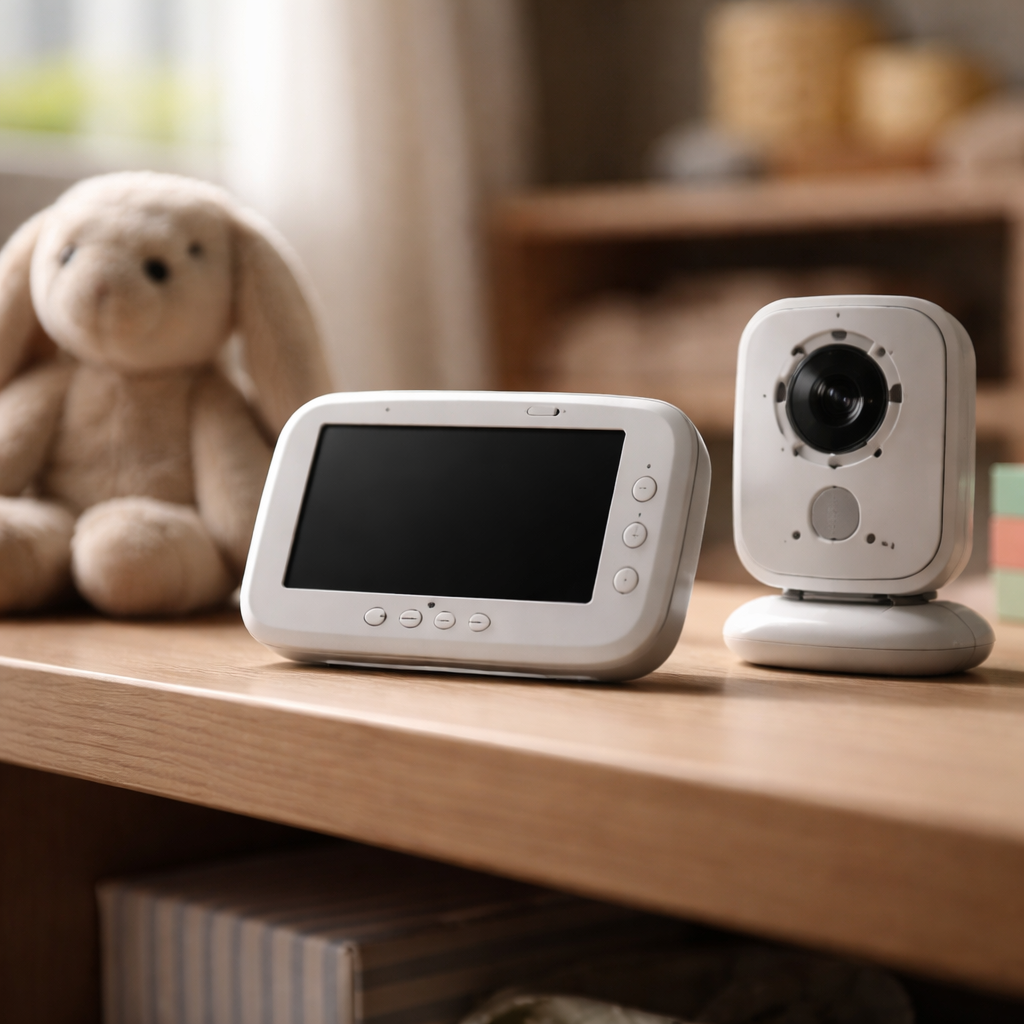
You put the baby monitor on the shelf, press the power button, and get nothing — no sound, no image, no signal. If baby monitor signal not working is the problem you’re staring at right now, you’re not alone, and in most cases the fix is simpler than you’d expect. Before assuming the device is broken beyond repair, it’s worth walking through the actual reasons this happens and what you can do about each one.
Why the signal drops in the first place
Baby monitors — whether audio-only, video, or Wi-Fi connected — all rely on radio frequencies or internet connectivity to transmit data between units. When that transmission breaks down, the cause almost always falls into one of a few predictable categories: physical interference, power issues, firmware bugs, or hardware failure. The good news is that hardware failure is actually the least common culprit.
Most monitors operate on either the 2.4 GHz or 1.9 GHz frequency band. The 2.4 GHz band is notoriously crowded — it’s shared with Wi-Fi routers, cordless phones, microwaves, and Bluetooth devices. Even a neighbor’s new router can suddenly create enough interference to drop your monitor’s connection entirely.
The most common causes and what to check first
Rather than jumping straight to a factory reset or ordering a replacement, start with a methodical check of the basics. Many parents spend hours troubleshooting when the issue is something as straightforward as a low battery in the parent unit.
- Both units are not fully charged or plugged in — even a partial power loss can cause the signal to become unstable.
- The distance between the camera and parent unit exceeds the manufacturer’s rated range. Walls, floors, and metal objects reduce the effective range significantly.
- The monitor is placed near a microwave, cordless phone base, or a dense cluster of Wi-Fi devices.
- The parent unit and camera unit are not properly paired — after a power cut or battery swap, some models lose their pairing.
- The firmware on a Wi-Fi monitor is outdated, causing connection drops or app sync failures.
One thing worth knowing: thick concrete walls and metal-framed buildings can cut your baby monitor’s effective range by 50% or more compared to what the box advertises.
Analog vs. Wi-Fi monitors — different problems, different fixes
The troubleshooting path really depends on what type of monitor you have, because analog FHSS (Frequency Hopping Spread Spectrum) devices and Wi-Fi-based video monitors behave very differently when signal issues arise.
| Monitor Type | Common Signal Issue | First Step to Try |
|---|---|---|
| Analog (FHSS/DECT) | Static, dropped audio, short range | Re-pair units, change location |
| Wi-Fi video monitor | App disconnect, buffering, black screen | Restart router, update firmware |
| Hybrid (local + Wi-Fi) | Works locally but not remotely | Check port settings, VPN conflicts |
For analog monitors, the fix is often physical — move the parent unit to a different room, reposition the camera away from other electronics, and re-pair the two units by holding the sync button as described in the manual. For Wi-Fi models, the issue is more likely on the network side.
Step-by-step signal fix for Wi-Fi baby monitors
Wi-Fi monitors introduce a whole new layer of variables. If the baby camera shows offline in the app or the video freezes constantly, here’s a reliable sequence to work through:
- Restart both the camera and the parent unit or smartphone app completely — not just close the app, but force-quit it.
- Reboot your home router. Unplug it for 30 seconds and let it reconnect fully before checking the monitor again.
- Check whether the monitor is connected to 2.4 GHz and not 5 GHz. Most baby monitors only support 2.4 GHz, and accidentally connecting to the wrong band is a very common issue.
- Open the app settings and check for available firmware updates for the camera unit. Manufacturers regularly push patches that fix connectivity bugs.
- If using a VPN on your phone, disable it temporarily — many VPN configurations block the local device discovery that Wi-Fi monitors rely on.
- As a last resort, perform a factory reset on the camera and reconnect it from scratch through the app.
If none of these steps restore the connection, test the monitor in a different location with a different network if possible. This helps determine whether the issue is device-specific or network-specific — an important distinction before contacting support.
Placement tips that prevent signal loss before it starts
A lot of ongoing signal instability comes down to where the monitor is placed in the room. Getting this right once saves a lot of frustration later.
Position the camera unit at roughly the same floor level as your router if possible, and avoid placing it in corners where the signal has to travel through two walls instead of one.
- Keep the camera at least 1 meter away from other wireless devices, including smart speakers and baby soothers with Bluetooth.
- Avoid placing the monitor directly on a metal surface — it reflects radio signals and can disrupt transmission.
- If walls between rooms are thick, consider a Wi-Fi range extender positioned between the nursery and your bedroom to strengthen the signal path.
- For analog monitors, elevating both units slightly (on a shelf rather than the floor) often improves range noticeably.
When to contact support — and what to tell them
If you’ve worked through all the steps above and the baby monitor signal is still unreliable or completely dead, it’s time to reach out to the manufacturer. Most brands offer warranty coverage that includes signal-related defects, and many issues can be diagnosed remotely by their support team.
When you contact support, be ready to share the following information — it speeds up the process considerably:
- The exact model number of both the camera and the parent unit
- The firmware version currently installed (usually found in the app or device settings)
- A description of when the signal loss started and whether anything changed before it (new appliance, router change, etc.)
- What troubleshooting steps you’ve already tried
Getting the monitor reliable again — and keeping it that way
Signal problems with baby monitors are almost always fixable without replacing the device. The pattern is almost always the same: interference from nearby electronics, a pairing that got lost, a network setting that doesn’t match what the monitor expects, or a firmware issue the manufacturer has already patched. Working through those possibilities in order — rather than jumping to the worst-case scenario — resolves the issue for the vast majority of parents who run into this.
Once the monitor is back up and running, it’s worth setting a reminder to check for firmware updates every few months and to periodically review where competing wireless devices have been added to your home. Wireless environments change as you add new gadgets, and what worked perfectly six months ago can quietly degrade as your home network evolves. A little maintenance goes a long way toward keeping the nursery feed stable and reliable every night.